
THE POWER TO BUY MORE
Swibeco Card with Apple Pay
Make contactless payments worldwide with an iPhone, Apple Watch or Mac and Swibeco Card.
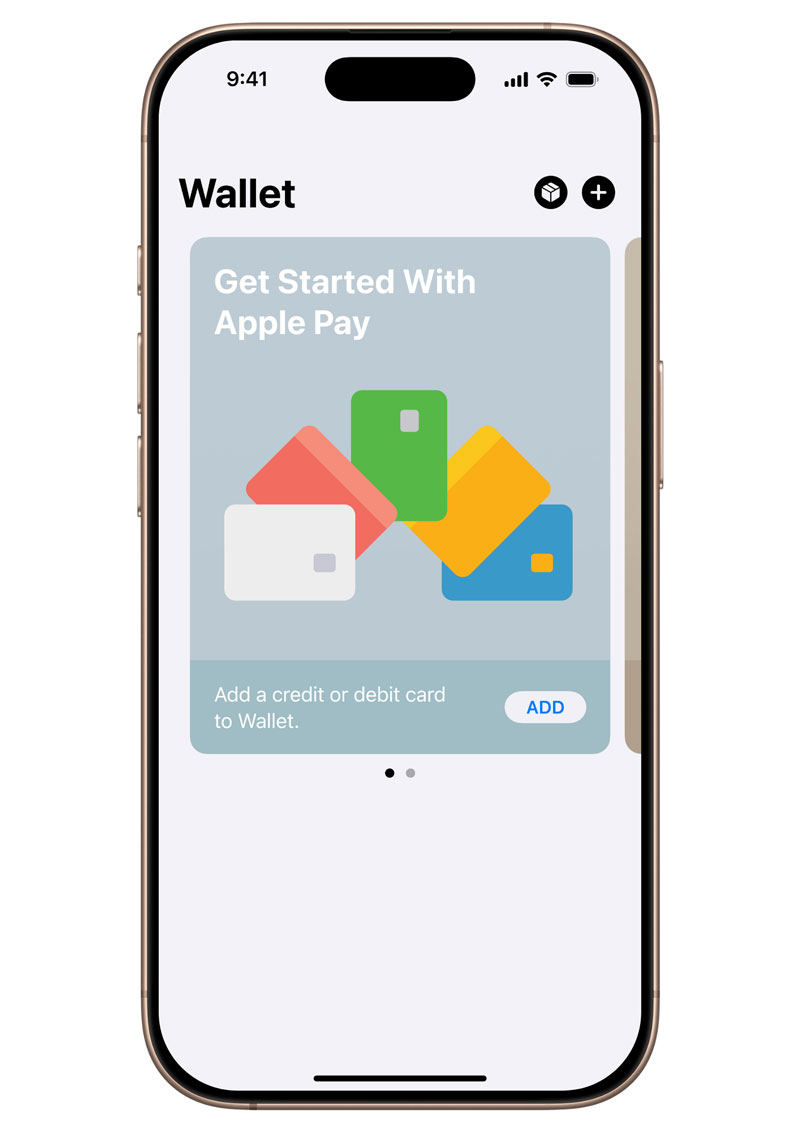
Add your Swibeco Card to Apple Pay
Adding your card to Apple Pay is simple. Here’s how to get started with your iPhone.
Adding a card from the Swibeco Mobile App
- Log in to Swibeco App.
- In the bottom menu bar, tap Wallet.
- Then tap Add to Apple Wallet.
Adding a card directly from Apple Wallet
Alternatively, you can open the Wallet app on your iPhone and tap the “+” icon.
- Open the Wallet app.
- Tap the “+” sign in the upper-right corner.
- Select Yapeal from the list.
- Follow the instructions on the display.

How to pay with Apple Pay
Apple Pay is the safe, fast way to pay in stores with your iPhone and Apple Watch. Quickly check out using the devices you carry every day.
Paying in stores
To pay with Face ID, double-click the side button, glance at your screen, then hold iPhone near the reader. For Touch ID, hold your iPhone near the reader with your finger on Touch ID.
Paying in apps and on websites
On your iPhone or iPad, select Apple Pay at checkout and complete the payment using Face ID or Touch ID.
On your Mac, select Apple Pay and complete the payment using your iPhone or Apple Watch. On MacBook Pro, pay using Touch ID on the Touch Bar.